3 Best Blackout Blinds for the Perfect Dark Gaming Setup
Daylight washes out your screen. See the 3 best blackout blinds for gamers, how they stop glare and edge leaks, and how to measure, install, and place your setup.

Quick Answer
The best blackout blinds for gamers are custom-fit, cordless blinds with a sealed edge. Haven Shades meet those criteria with dual-layer blackout fabric and a four-sided edge-seal track, and you can install them in under 15 minutes with no drilling. Blackout blinds reduce screen glare by removing the window as a light source.
Graphite Grey: dedicated console and gaming rooms
Denim Blue: living room TV setups
Off-White: desks, home offices, and streaming
Why Daylight Ruins Gaming Sessions
Windows are the largest light source in most gaming rooms, and they hit your screen from two angles. Light that hits the panel reflects back at you, and light that falls behind your chair turns your dark screen into a mirror. According to Lenovo's guide on monitor glare, sunlight and room lights reflecting off your monitor reduce visibility.
The result is a washed-out picture. Shadow areas turn grey, and the player waiting for you in a dark tunnel blends into your own reflection. An anti-glare screen helps somewhat, but it won't fix a brightly lit room. Streamers get hit twice: glare on the monitor, plus uneven, shifting daylight on camera.
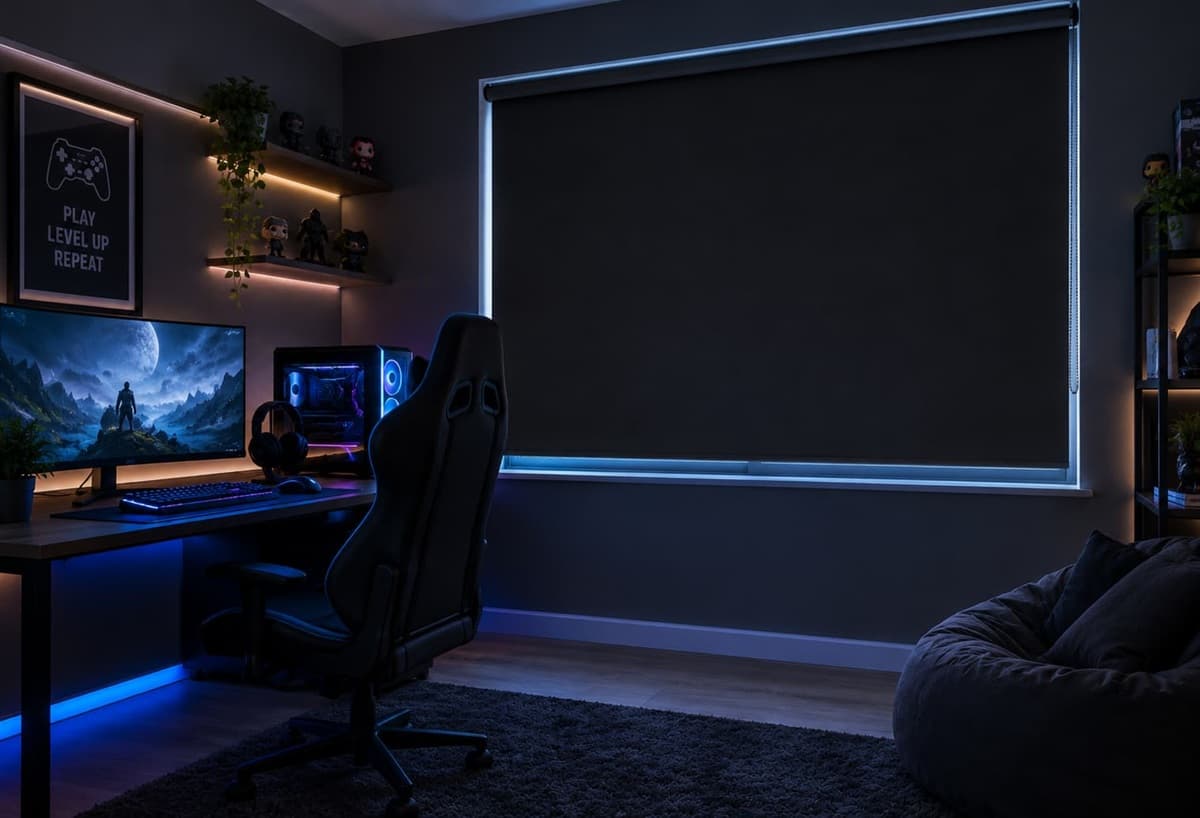
Blackout blinds for gaming take the window out of the equation. They're the most dependable way to reduce screen glare, because your screen looks the same at 2 p.m. as it does at midnight.
Why Blackout Beats Room Darkening
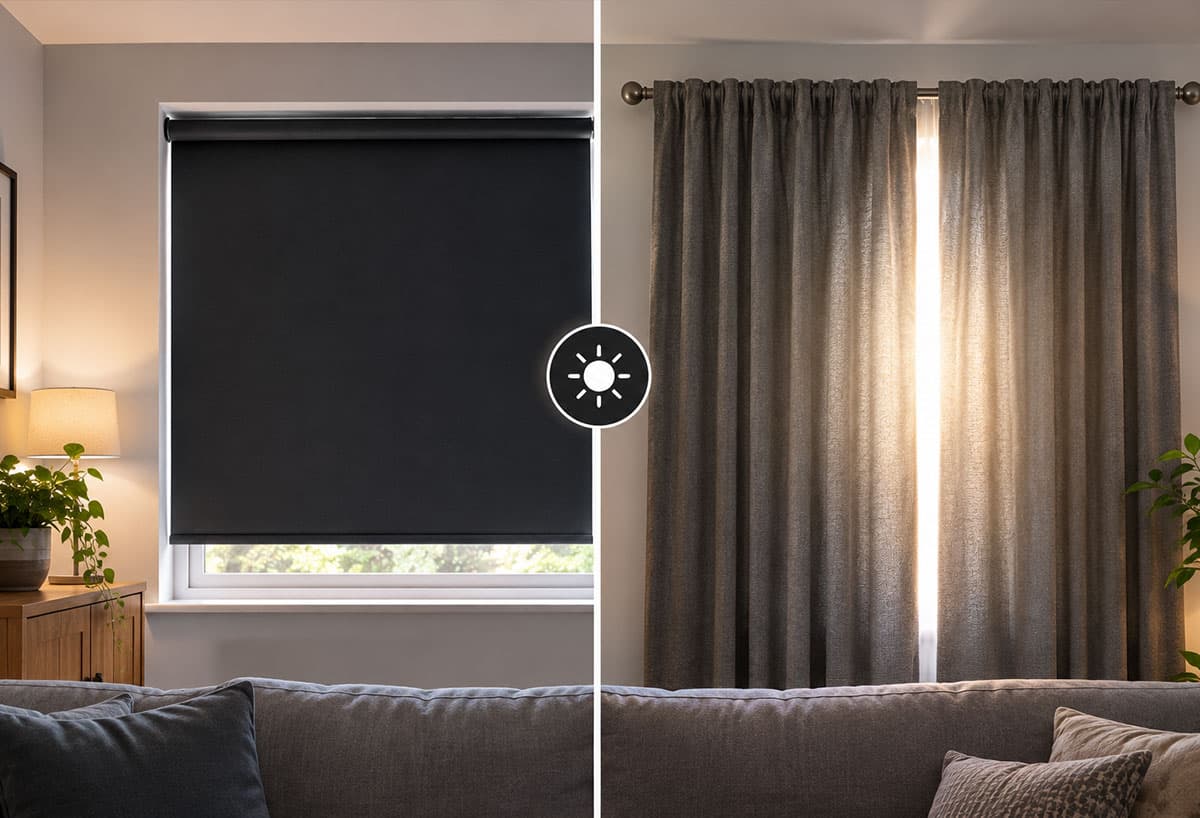
Blackout fabric blocks all light, whereas room-darkening blinds block about 95% to 99%. That small difference barely matters for sleep, but it shows on a screen, where even a few percent of daylight creates a pale sheen on an otherwise dark panel.
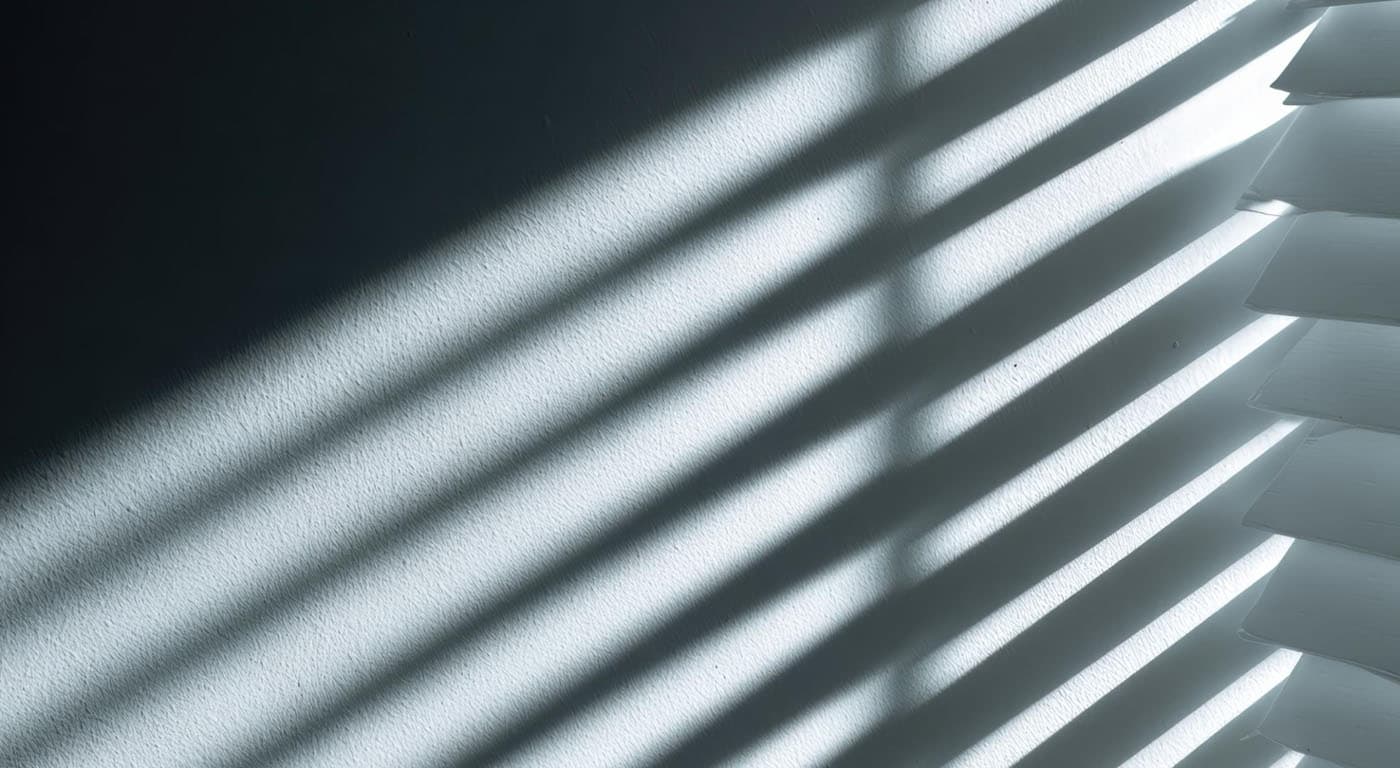
Fabric is only half the story, because most light leaks in at the edges. Conventional roller blinds leave gaps down the sides, Roman blinds let light in around their edges, and slatted blinds let light through the spaces between the slats. For more on sealing a room completely, see our guide to total blackout blinds for complete light blocking.
The 3 Best Blackout Blinds for Gamers
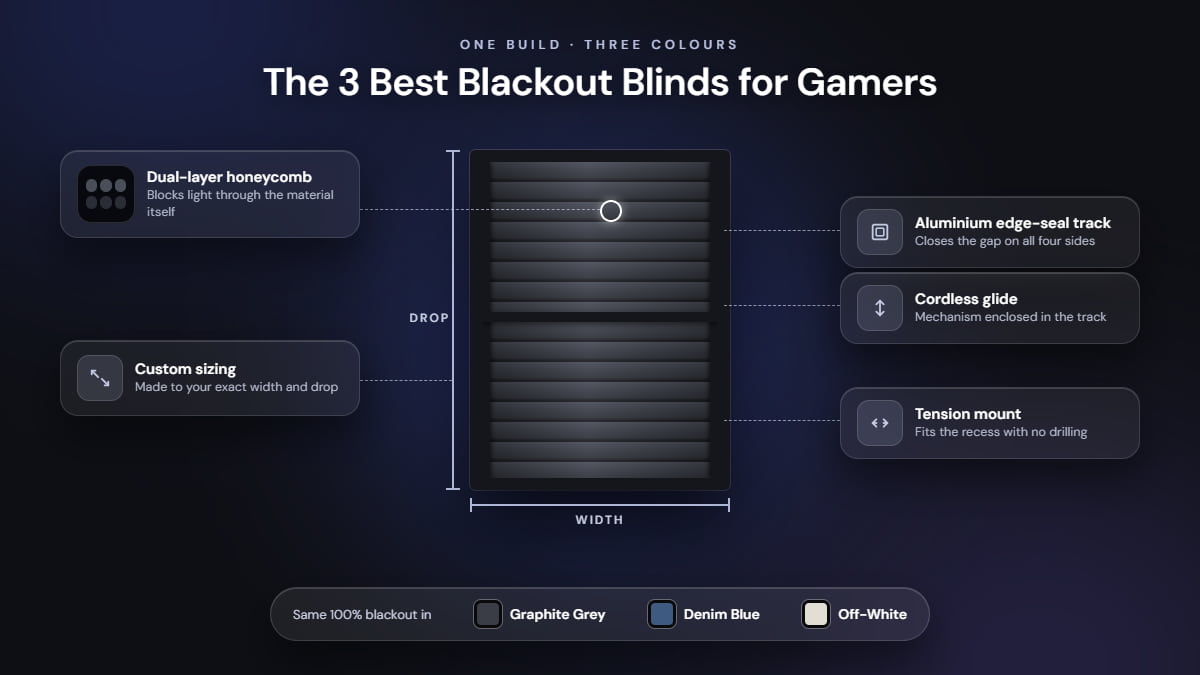
All three picks are Haven Shades; only the fabric colour changes. Every colour uses the same dual-layer blackout build, so the lighter fabrics block as much light as the dark ones. Each one includes:
Dual-layer honeycomb fabric that blocks light through the material
An aluminium edge-seal track that closes the gap on all four sides
Cordless operation, with the glide mechanism enclosed in the track
Custom sizing to your exact width and drop
Tension mounting with no drilling
Graphite Grey for Dark Console Rooms
Graphite grey with a black frame is our top pick for a dedicated gaming room. It blends into dark walls and desk gear, so the window disappears once the blind is closed. The edge seal does the heavy lifting. One shift worker who sleeps by day told us light no longer bleeds in from the sides, and the same seal keeps a midday sunbeam off your TV.
Denim Blue for Living Room Setups
Many players game in the living room, with a TV facing a big window. Denim blue with a black frame suits that space, cuts glare, and keeps the room calm. It also handles large glass: a customer in Toronto fitted Haven to floor-to-ceiling patio doors and found the custom sizing exact.
Off-White for Desks and Streaming
Off-white with a black frame works for a computer desk setup, a home office that doubles as a gaming room, or a streaming area where you're on camera. The lighter colour keeps a small room from feeling like a cave during the day, while the blackout construction gives you full darkness when you close it. The honeycomb material also muffles noise coming from the window.
How the Three Picks Compare
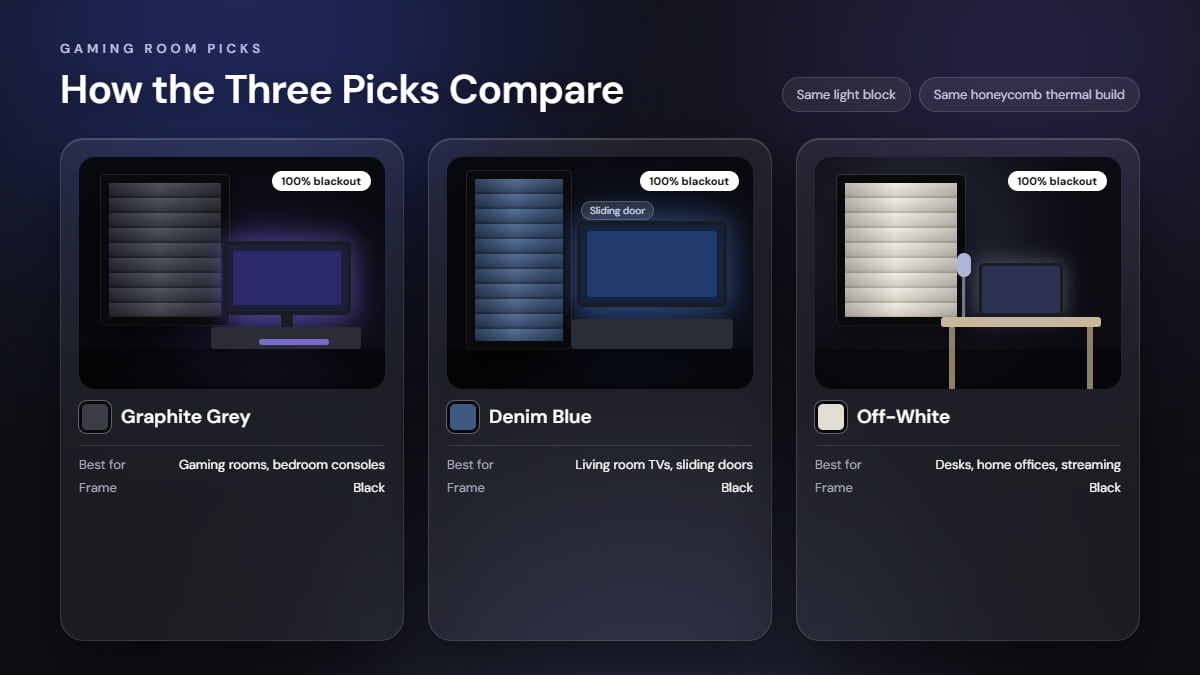
Choose by room, not by performance, because all three block light the same way. They also share the same thermal build. Gaming rigs heat a room and afternoon sun adds to it, but the honeycomb layer slows heat transfer through the glass, limiting solar gain in summer and heat loss in winter.
Pick | Best for | Fabric and frame | Blackout level |
|---|---|---|---|
Graphite Grey | Dedicated gaming rooms and bedroom consoles | Graphite grey, black frame | 100% |
Denim Blue | Living room TVs and sliding doors | Denim blue, black frame | 100% |
Off-White | Desks, home offices, and streaming | Off-white, black frame | 100% |
Measuring and Installing Blackout Blinds for a Gaming Room
Blackout blinds for gaming room windows only do their job when they're sized properly, and many gaming rooms don't have standard-sized windows. Our measuring guide explains exactly how to measure. Measure the width at the top, middle, and bottom, and the height at the left, centre, and right, then order using the smallest measurement for each dimension.
Installation takes about 15 minutes. The tension mount needs no drilling or anchors, and the box includes everything you need, including the screwdriver and sealing strips. The installation guide walks you through six steps, ending with optional padding strips for any loose side.
Choose your opening direction when you order, and stack the blind away from your desk so it stays clear of your screen.
Placing Your Screen Around the Window
Smart placement helps the blinds cut screen glare even further. Set your monitor at a right angle to the window so the window sits to your side, not behind the screen or behind your chair. KTC's guide to sunlight glare makes the same point: a window behind the screen floods your eyes with light, while a window behind you reflects off the panel like a mirror. If you can't move the desk, close the blind behind your chair first, since that's where most reflections come from.
A few habits finish the job:
Close the blinds before you start, not after the glare shows up.
Add a dim bias light behind the monitor to ease eye strain. Learn more in can blackout blinds help reduce eye strain.
Use a matte screen or anti-glare film to reduce ceiling-light reflections.
Pick the fabric that suits your room, enter your measurements, and order your Haven blind. Free shipping is included, and orders ship within 7 days.
FAQs
Do blackout blinds reduce screen glare?
Yes. Blackout blinds reduce screen glare by blocking the window light that bounces off your monitor. With the glare source gone, your contrast and shadow detail stay consistent at any time of day.
What are the best blackout blinds for gamers?
The best blackout blinds for gamers are custom-fit, cordless, and edge-sealed. Haven Shades offer all three, with an edge-seal track and exact sizing, and you choose the colour to match your room.
Do I need blackout blinds for a gaming room?
Yes, if the room has a window. Gaming room blackout blinds give you consistent lighting every session, no matter the weather or time of day.
Will light leak around the edges?
No. The edge-seal track presses the fabric against the window frame on all four sides, and the dual-layer fabric blocks light through the material.
Can I install them without drilling?
Yes. Haven uses a tension mount that requires no drilling, no anchors, and no changes to your window frame. The tools come in the box.
How much do Haven blinds cost?
The Haven Classic is listed at $129. Enter your measurements on the product page to see your exact total. Orders of two or more blinds get a bundle discount while the offer runs.
What if I measure wrong?
Measure twice. Every blind is custom-made, so the warranty doesn't cover customer measurement errors, and you can cancel only within 12 hours of ordering.
Subscribe to our Newsletter
Stay updated with sleep guides, bedroom decor inspiration, and exclusive product news.
Nick
Contributing writer and editor specializing in light control, bedroom aesthetics, and modern sleep science.